— Become a dealer —
Become an ATFlash Dealer
ECU & TCU Tuning Files for Workshops and Tuners
ATFlash is a professional tuning file service built for tuners who need consistent results, fast turnaround, and clear communication. Upload your original ECU/TCU file through our dealer portal and receive a custom remap with technical support when needed.
A file service designed for professionals !
Custom remapped ECU & TCU files tailored to your file readout and vehicle configuration
Fast turnaround on standard requests, with clear feedback when additional data is required
Revision workflow supported via portal tickets (logs/diagnostics may be requested)
Technical support to reduce mistakes and re-reads (OBD/Bench/Boot guidance)
Consistent process: version checks, notes per file, and traceable history
Tool-friendly workflow for popular platforms (slave and master)
Stage 1 / Stage 1+ / Stage 2 / Stage X (where applicable)
ECO / drivability optimization
ECU & TCU tuning workflows (platform dependent)
Portal-based revisions (logs / diagnostics may be requested)
Portal-based support & revisions
Work directly with our calibrators through the Dealer Portal. Each job includes notes, version checks and a clear revision workflow. When needed, we request logs and diagnostics to resolve issues quickly and reduce re-reads.
Dealer-friendly pricing that scales
Transparent pricing designed for workshops and resellers. Keep strong margins while delivering consistent results. Volume-based options available for active dealers.
Fast turnaround — standard files up to ~30 minutes
For standard requests, we deliver fast. Complex ECUs/TCUs may require additional checks, logs or software verification, and we communicate that immediately through the portal.
WinOLS-ready database & professional calibration workflow
Built around professional mapping workflows and a structured file library. When applicable, we work with Damos/Mappacks and validated strategies to support a wide range of ECUs/TCUs.
Popular tuning tools
Take a look below at the most popular tools other AT Flash Dealers are using to read vehicle ECUs.
Register as a dealer
Upload your original ECU/TCU file via Dealer Portal
Receive your custom remap + notes (and support if needed)
Download, test, and request revisions via ticket if required
Supported tuning tools
ATFlash dealer workflow is built around the tools and protocols most workshops already use. Upload your original ECU/TCU file via the Dealer Portal and receive a custom remap with notes and support when needed.
Core platforms
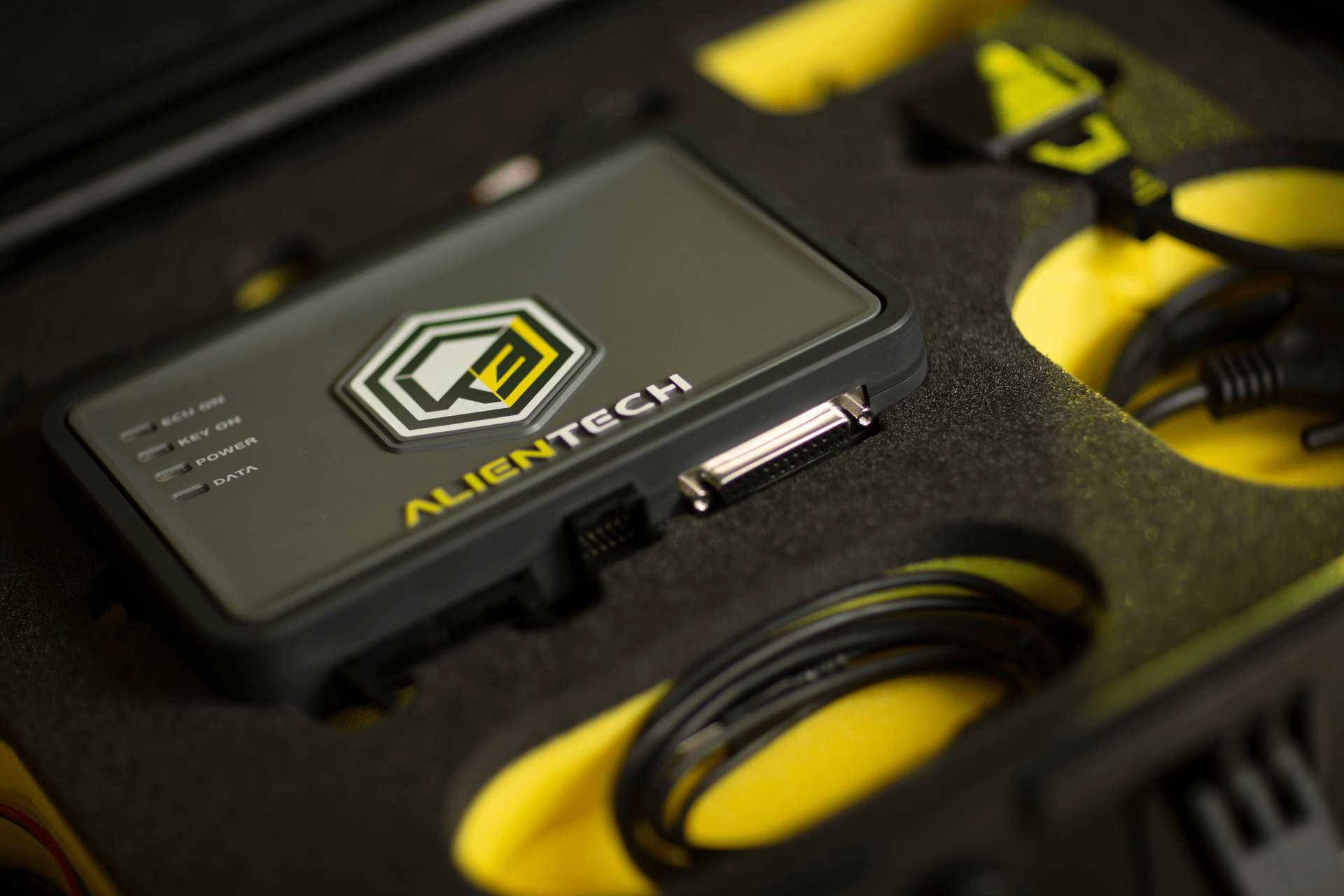
- KESS3 (Alientech)
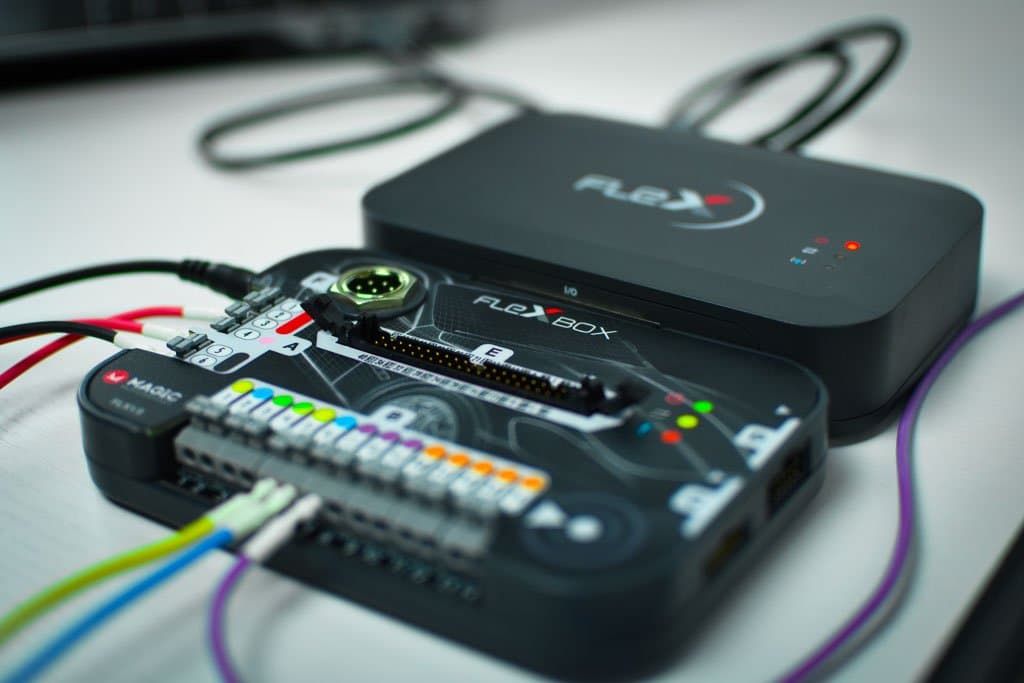
- FLEX (MagicMotorsport / MagicHub )
- Autotuner
- DFB Technology
Supported workflows
- OBD / Bench / Boot procedures (depending on ECU/TCU)
- BDM programming
- JTAG programming
Calibration ecosystem
- WinOLS workflow (database/library driven approach)
- ECM Titanium workflow
- Structured file handling to support repeatable results
- Stage 1 / Stage 1+ / Stage 2 / ECO Stage
- ECU & TCU workflows (platform dependent)
- 2wd / 4x4 / DynoDrive / Dyno test / Roller Test
- Portal-based revisions (logs / diagnostics may be requested)
Want the complete list and tool-specific notes (slave/master, protocols, best practice)?
See full supported tools list | Dealer Portal Log in | Register for files
Note: availability depends on ECU/TCU type, software version, and the diagnostic information provided.
FAQ
Q1: What information should I upload for the best results?
A: Original ECU/TCU file + vehicle details (make/model/year/engine/gearbox). If needed, we may request a DTC scan, logs, or software version/ID data.
Q2: Do you support KESS3 / K-TAG / KESS V2 / FLEX / Autotuner / DFB Technology (master & slave tools)?
A:
Yes—our workflow is tool-friendly and supports both master & slave setups. Coverage depends on ECU/TCU type, protocol (OBD/Bench/Boot), and software version.
Q3: What is the typical turnaround time?
A: Standard requests are delivered fast—many files are completed in ~10–20 minutes. Some ECUs/TCUs may require additional checks, logs, or software verification, and we communicate that immediately through the portal.
Dealers typically deliver Stage 1 / Stage 1+ / Stage 2 / Stage X, ECO/drivability, and ECU/TCU solutions where applicable.
Q4: Are revisions included?
A: Revisions are handled via portal tickets. In some cases we may request logs/diagnostics to finalize the file correctly and safely.
Q5: Do you offer ECU and TCU files?
A:
Yes—ECU and TCU workflows are supported where applicable.
Q6: How do I become a dealer?
A:
Register, upload your first file, and communicate through portal tickets for support and revisions.
Q7: What details help you deliver faster and avoid re-reads?
A:
Provide the exact read method (OBD/Bench/Boot), tool used, ECU/TCU type, and any warning lights or DTCs. When needed, we’ll request logs or a DTC scan via the portal.
Q8: Do you support heavy-duty vehicles (HGV, trucks, agriculture, construction)?
A:
Yes—heavy-duty solutions are available where applicable. If you’re unsure, upload the original file and add notes in the ticket for the fastest routing.
Q9: Is there a minimum volume required to work as a dealer?
A: No. You can start with a low volume and scale over time. We support both new workshops and experienced tuners through the same portal workflow.
B: Volume bonus: Complete 10+ files in your first month to unlock a discount for the next month. The more files you complete, the higher the bonus tier.
Q10: Can I upload files read with other tools not listed on the page (including clone tools)?
A:
Yes—you can upload files read with other tools even if they’re not listed. We can also work with files read using clone tools; however, original tools are strongly recommended for reliability and to reduce read/write risks.
Q11: Can I upload an already modified file to add more options?
A: Yes. You can upload an already tuned/modified file and request additional options. Please include clear notes about what is currently in the file and what you want added.
Q12: If I only have a modified file, can you recover the original?
A:
Yes. The portal supports an Original Restore option—upload the modified file with the required details and you will receive the original file typically within ~10–30 minutes (depending on ECU/TCU and verification needs).
Q13: Do you support motorcycles, ATVs and snowmobiles?
A: Yes—Moto/ATV/Snowmobile files are supported where applicable. Upload your original ECU file and add full vehicle details
Q14: Do you support marine/boat ECUs?
A: Yes—marine/boat files are supported where applicable. Upload your original file and include engine model, ECU type, and read method so we can confirm compatibility quickly.
Q15: Do you support checksum (CKS) correction / calculation?
A:
Yes—checksum (CKS) correction is supported in most cases. After uploading your file, you can select the CKS / Checksum
option (where available) and we will handle the required correction as part of the workflow